Etsy listing video maker
Your mockups,
moving.
Turn up to five product mockups into a 5 to 15 second listing video. Frame a slow, smooth camera move on each one, press a button, and download an MP4 that's optimised for Etsy listing videos.
- 2 free videos a day
- No card needed
- Works on your phone too
- Optimised for Etsy listing videos
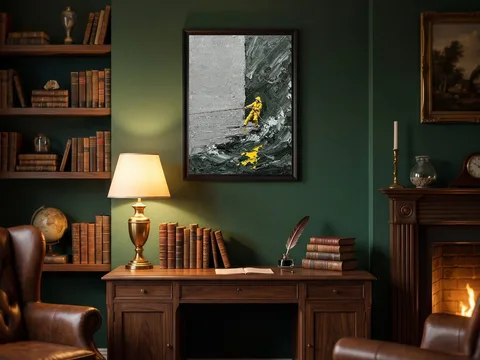
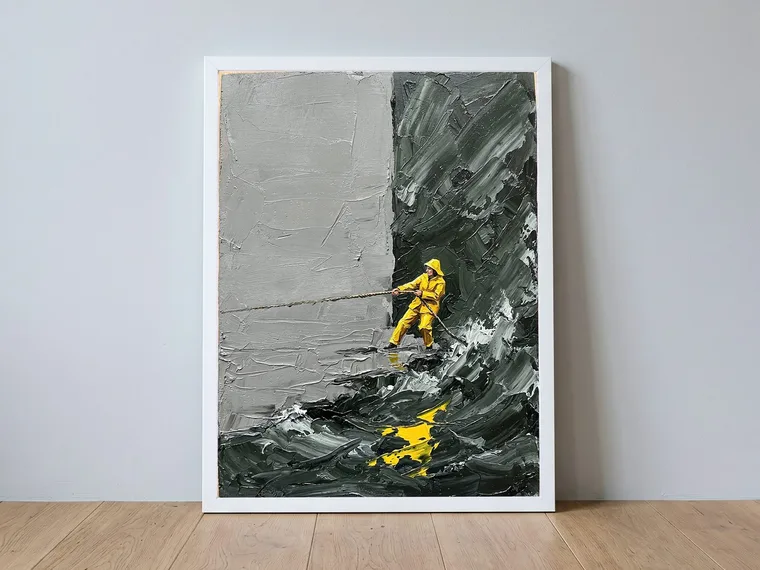
Made with Mockup to Video from four room mockups and the artwork itself. Shown smaller here to keep this page quick; the file you download is 1080 × 1080.
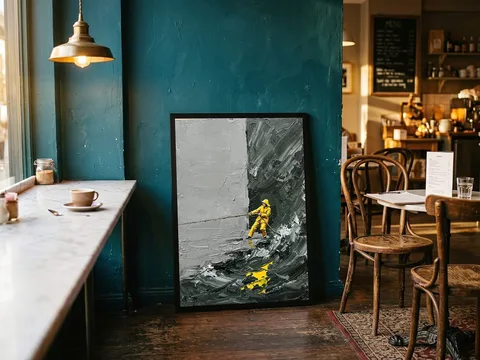
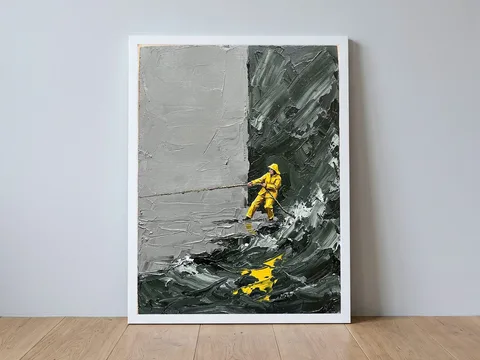
How it works
Three steps to an Etsy-ready listing video.
-
01
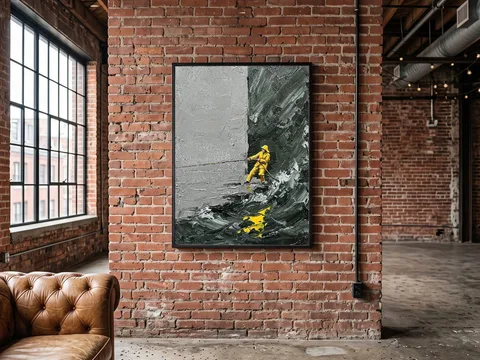
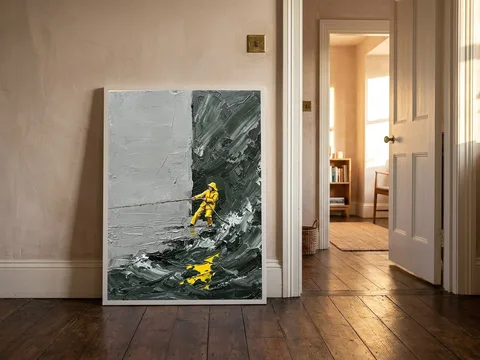
Add your mockups
Drop in up to five images: JPEG, PNG or WebP. Each one becomes a shot. Drag them into the order you want.
-
02
 STARTEND
Frame each shot
Drag a green box where the shot starts and a red box where it ends. Mockup to Video moves the camera smoothly between them.
-
03
listing-video.mp4
- 15.00 s long
- 6.8 MB
- 1080 × 1080
- No sound needed
Download the video
Your computer makes the video right there on the page. Every file is checked against Etsy's video rules before you download it.
Watch it work
The whole thing, start to finish.
A real run through the tool: four mockups in, framing, settings, and the finished MP4 downloaded. Just over a minute, no sound needed.
Recorded on a desktop. The same steps work on a phone, with your finger instead of a mouse. Prefer it written down? Read how to make an Etsy listing video from your mockups.
Recorded on a phone, start to finish. Nothing is missing on a small screen, and the phone makes the video itself. Prefer it written down? Read the step-by-step guide.
Private by design
Your artwork never leaves your computer.
Nothing is uploaded. Other online video makers upload your files to their servers. Mockup to Video makes the video inside your own browser, using the video encoder your phone or computer already has.
Nothing is stored. We keep your email address and a count of how many videos you downloaded today. Not your images, not their names, not the video.
Nothing to wait for. There is no upload and no queue. The only wait is your own computer making the frames, with a progress bar while it does.
Built around Etsy's rules
Optimised for Etsy listing videos.
Etsy only accepts listing videos that fit its limits. Mockup to Video is built to those limits, so you don't have to look them up. If you want them anyway, they are all on the Etsy listing video requirements page, with the source.
- 5 to 15 seconds. Etsy's help pages disagree about the minimum (3 s on one, 5 s on another), so the meter targets 5 s, which satisfies both. It warns you before shots are sped up to fit.
- Square or vertical. 1080 × 1080 looks the same everywhere; 1080 × 1920 fills a phone screen.
- Never blurry. If you zoom in closer than your image can handle, it tells you and pulls the shot back instead of blowing it up.
- No sound needed. Etsy removes sound from listing videos anyway.
- Well under 100 MB. Our test videos came out under 10 MB.
Pricing
Free for a couple of listings a day.
Both plans make the same Etsy-optimised videos. No watermark on either.
Questions
Which browsers does it work in?
A recent Chrome, Edge or Firefox, on a phone, a tablet or a computer. The video is made by your browser's built-in video encoder, and if your browser can't do it, the page tells you straight away, before you've set anything up.
Does it work on a phone?
Yes. The whole thing works on a phone: add your mockups, drag the start and end boxes with your finger, and the video is made on the phone itself. Nothing is uploaded there either. Photograph a product, make the listing video and upload it to Etsy without ever opening a laptop.
Do I need to install anything?
No. It runs in a normal browser tab.
What counts as one of my 2 free videos?
Downloading a new video. Making and previewing videos doesn't count, and downloading the same video again is free. The count resets at midnight UTC.
Why do I need an account?
Only to count your free videos. We store your email and that count, nothing else. You can delete your account at any time from the account page.
What if I close the tab?
Your framing is remembered on your computer. Add the same images again and every shot comes back as you left it. The images themselves are never saved.